Selecting Different Quality
By default, Downie will automatically select the best quality available and sometimes even language (for example, on YouTube, Downie tries to select the original language) which may not always be desirable. There are several Downie features to help you get the right quality:
- there is a setting in
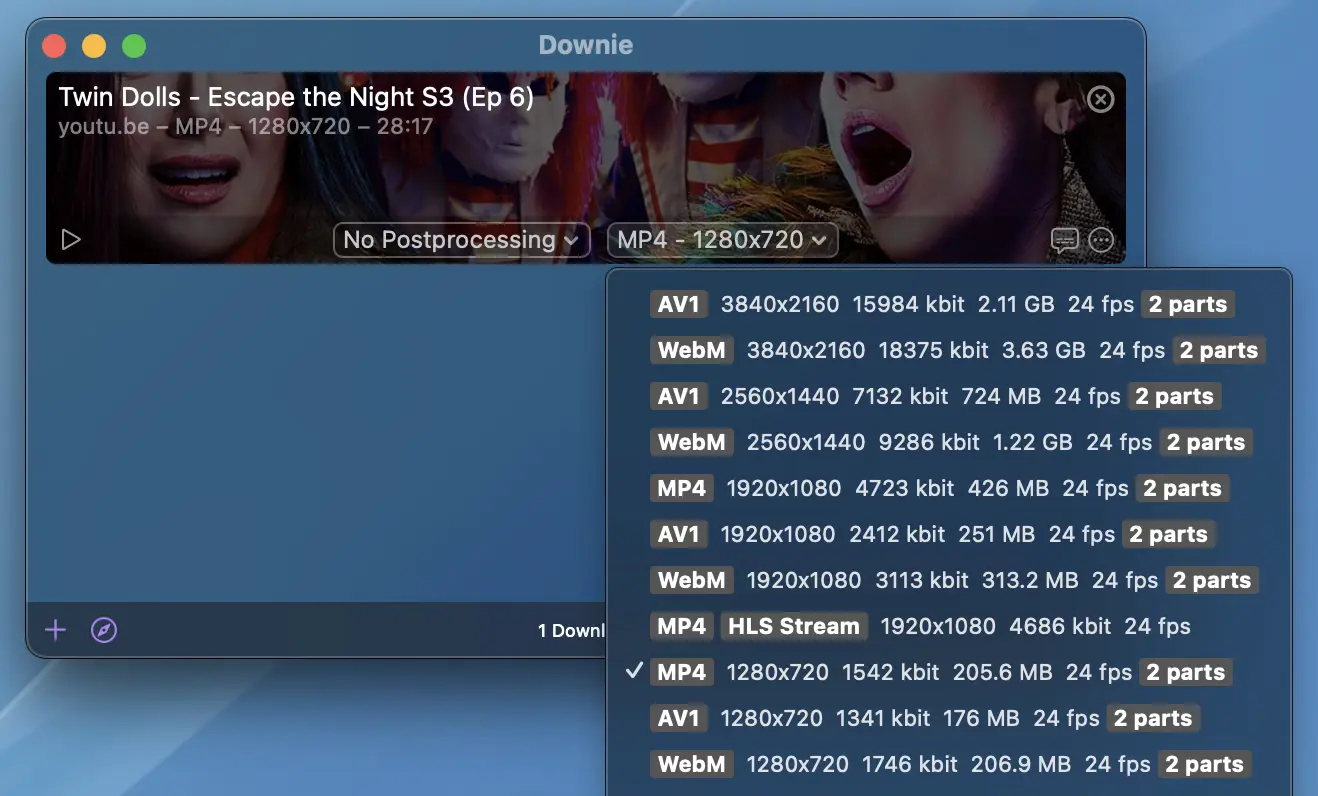
Settings > Generalthat allows you to limit resolution of the video downloaded, or have Downie ask you each time. If you set Downie to ask you each time, you will get a dialog for each download with multiple available renditions for you to select from. - you can select the desired rendition from the formats popup button in the download's UI. Note that this requires the download not having started yet - you can turn off automatic downloads in
Settings > General. When you do so, you get a menu where you can change the rendition to download for each download as displayed on the screenshot below.