Permute

Permute 4

A powerful yet easy-to-use media converter for macOS. Convert video, audio, images, PDFs and more — in just a few clicks.

Version  macOS 26+ required Apple Silicon required Release notes

Meet Permute 4

Everything you need to work with media files

Permute 4 makes working with media files simple — even when the tasks are complex. Whether you're converting audio, resizing images, editing video, or handling PDFs and text, Permute lets you do it all in just a few clicks.

While keeping the simplicity its users love, Permute 4 brings powerful new tools for professionals and supports a wider range of file types than ever before.
100+
Formats supported
Video · Audio
Images · PDF · Text
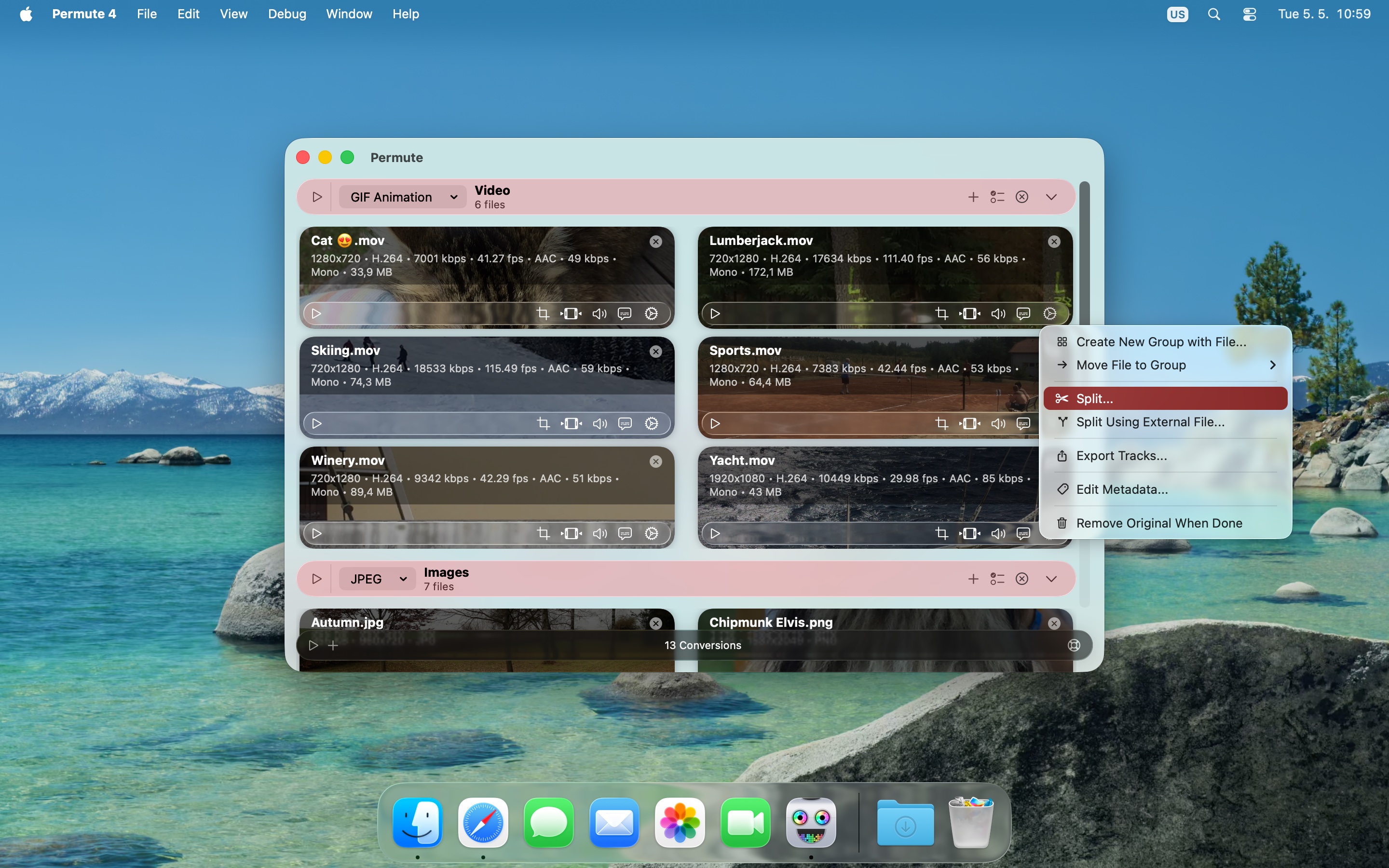
Actions menu
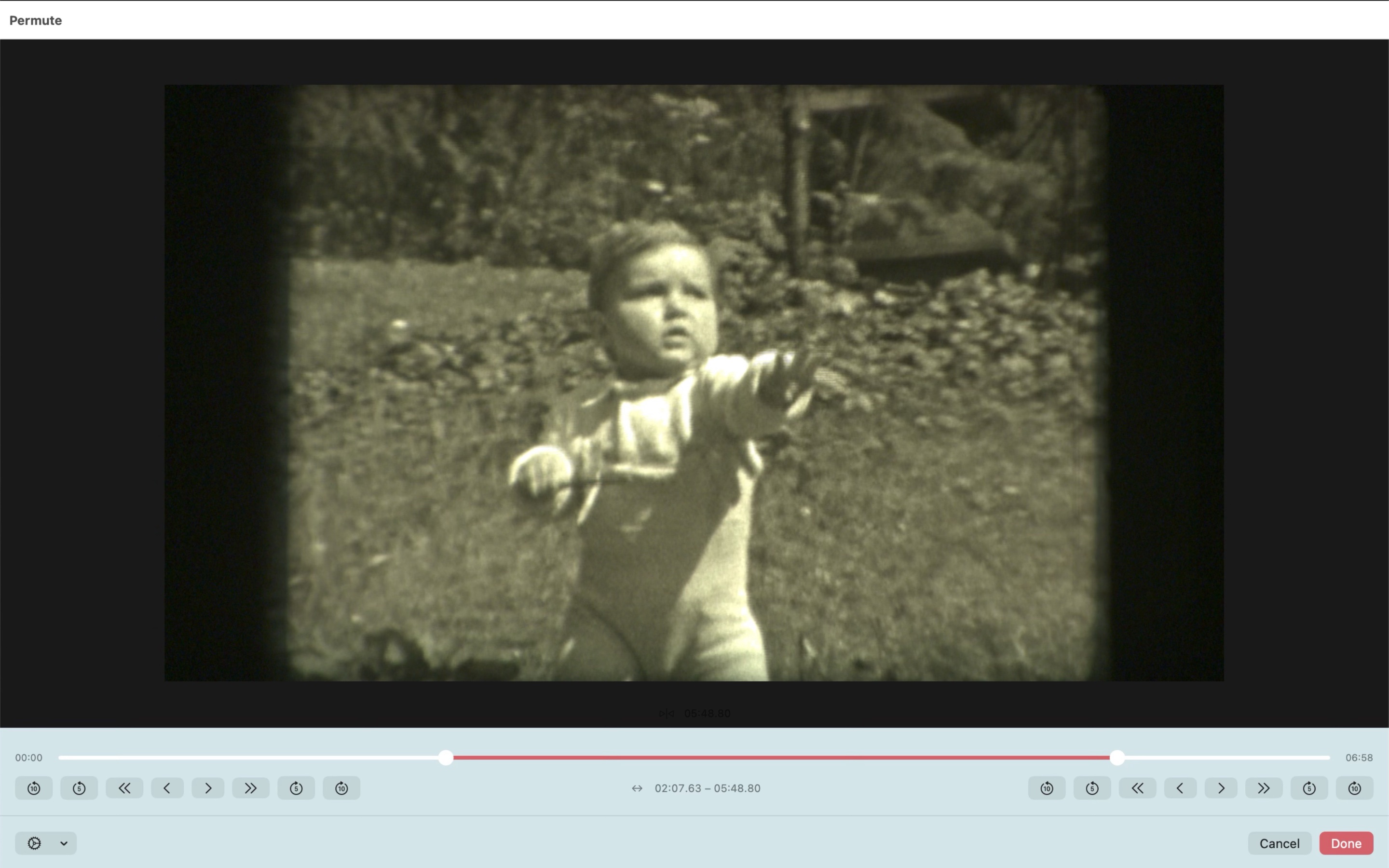
Trim editor
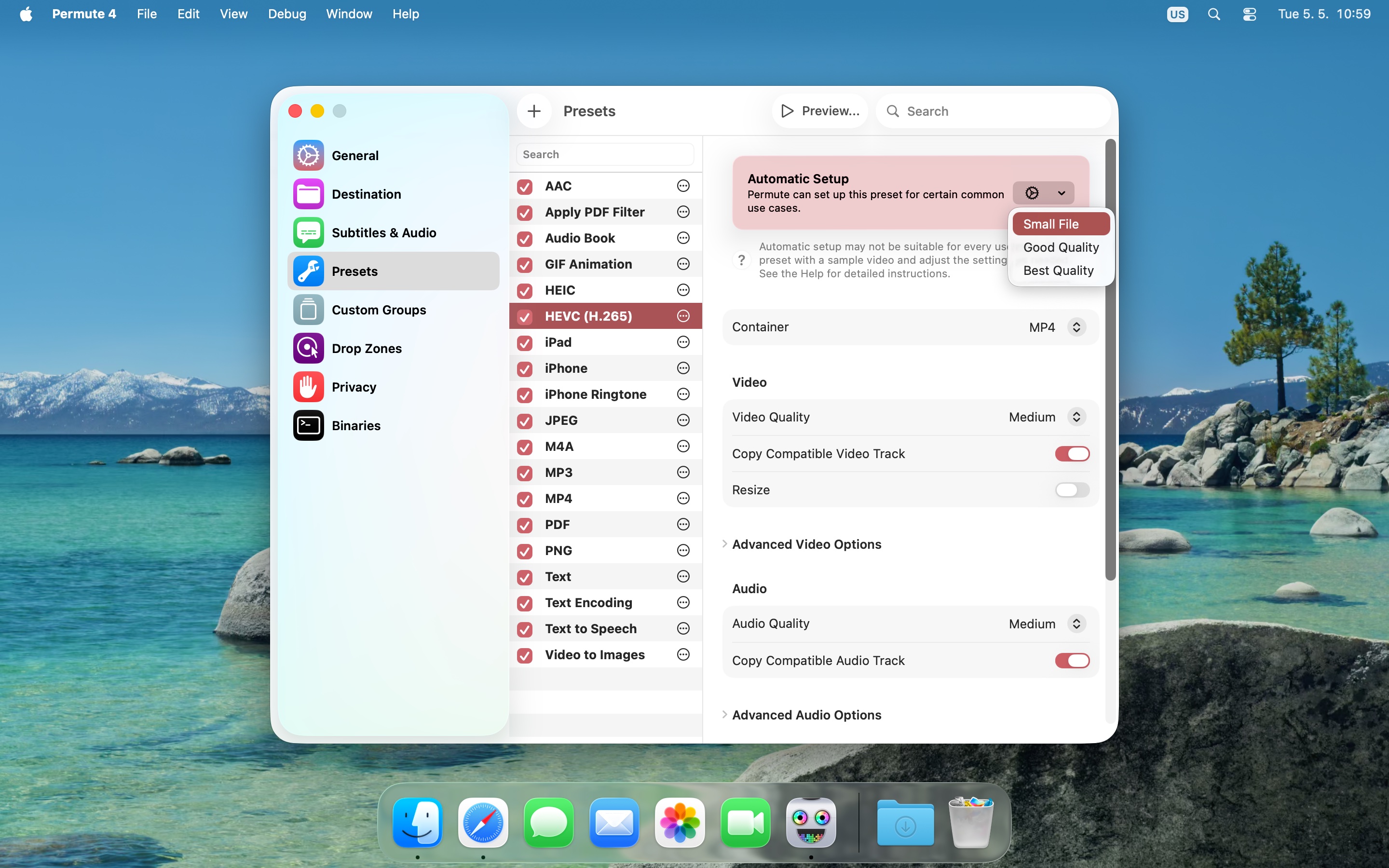
Presets

What can Permute 4 do?

Packed with features

From quick conversions to advanced professional workflows — Permute handles it all without the complexity.

🎬

Convert Media Files

Convert video, audio and images between virtually any format — AVI, WMV, MP4, HEVC, ProRes, WebM, AV1, MP3, AAC, FLAC, HEIC, AVIF, WebP and many more.

✂️

Edit & Adjust

Trim, crop, resize, rotate and flip — individually or in bulk. Add subtitles, swap audio tracks, adjust speed and volume, or set a target output file size.

🔗

Combine, Split & Extract

Stitch multiple files into one, or split by time or EDL/CUE. Export individual audio, video or subtitle tracks without re-encoding.

🧠

Smart Tools

Text → Audio narration, OCR image → text, iPhone ringtone creator, audio-backed video slideshows, and video frame export at custom intervals.

🎥

Advanced Video

HLS stream manifests, hardware-accelerated ProRes encoding, IP-camera file repair, and raw FFmpeg commands via the Advanced Custom preset.

⚙️

And So Much More

Edit output metadata, export PDF pages as images, drop zones for quick conversions, custom groups, automation, and a huge library of format presets.


See It in Action

Built for macOS

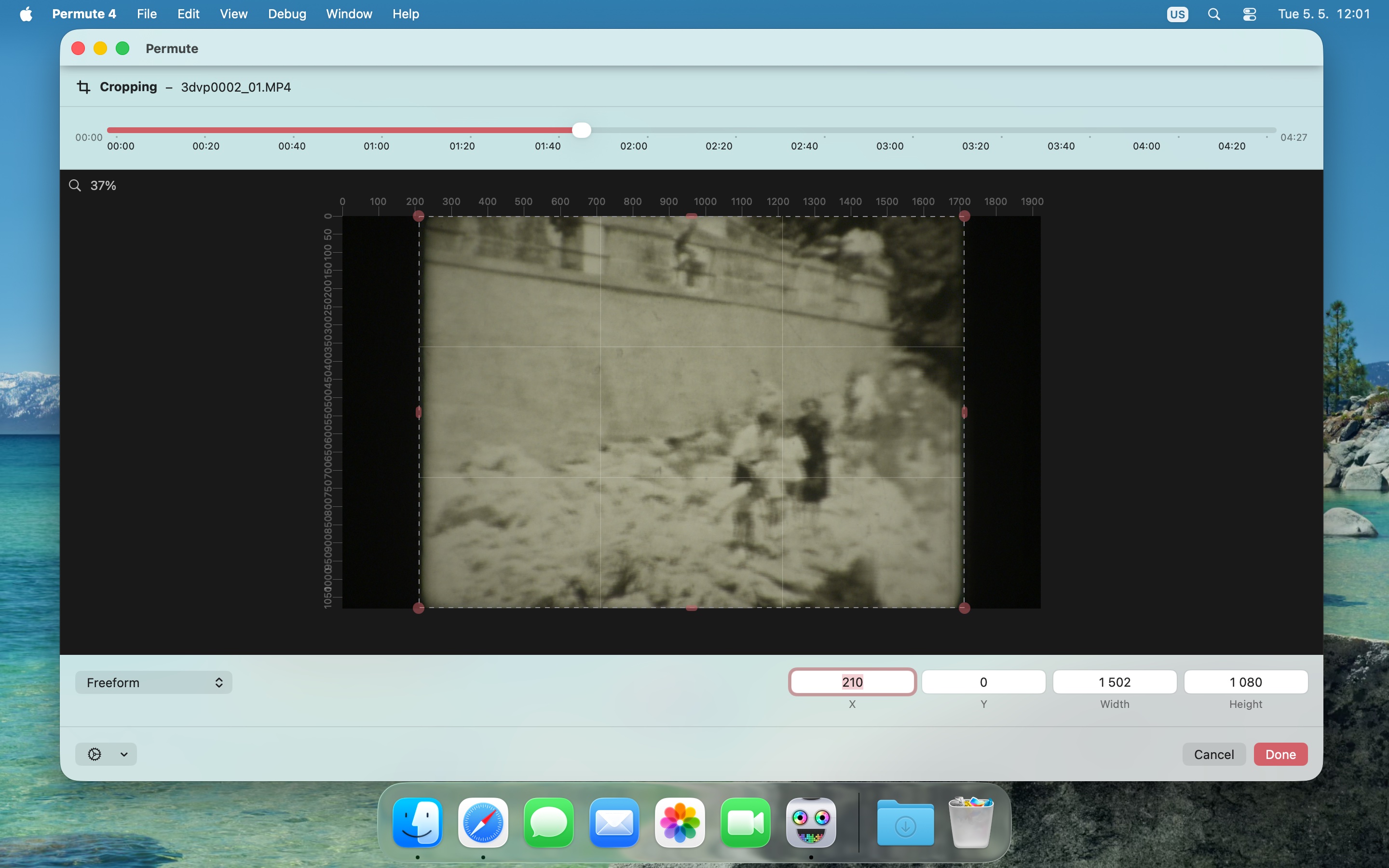
A native Mac experience with every detail considered — from the drag-and-drop queue to the precision crop and trim editors.
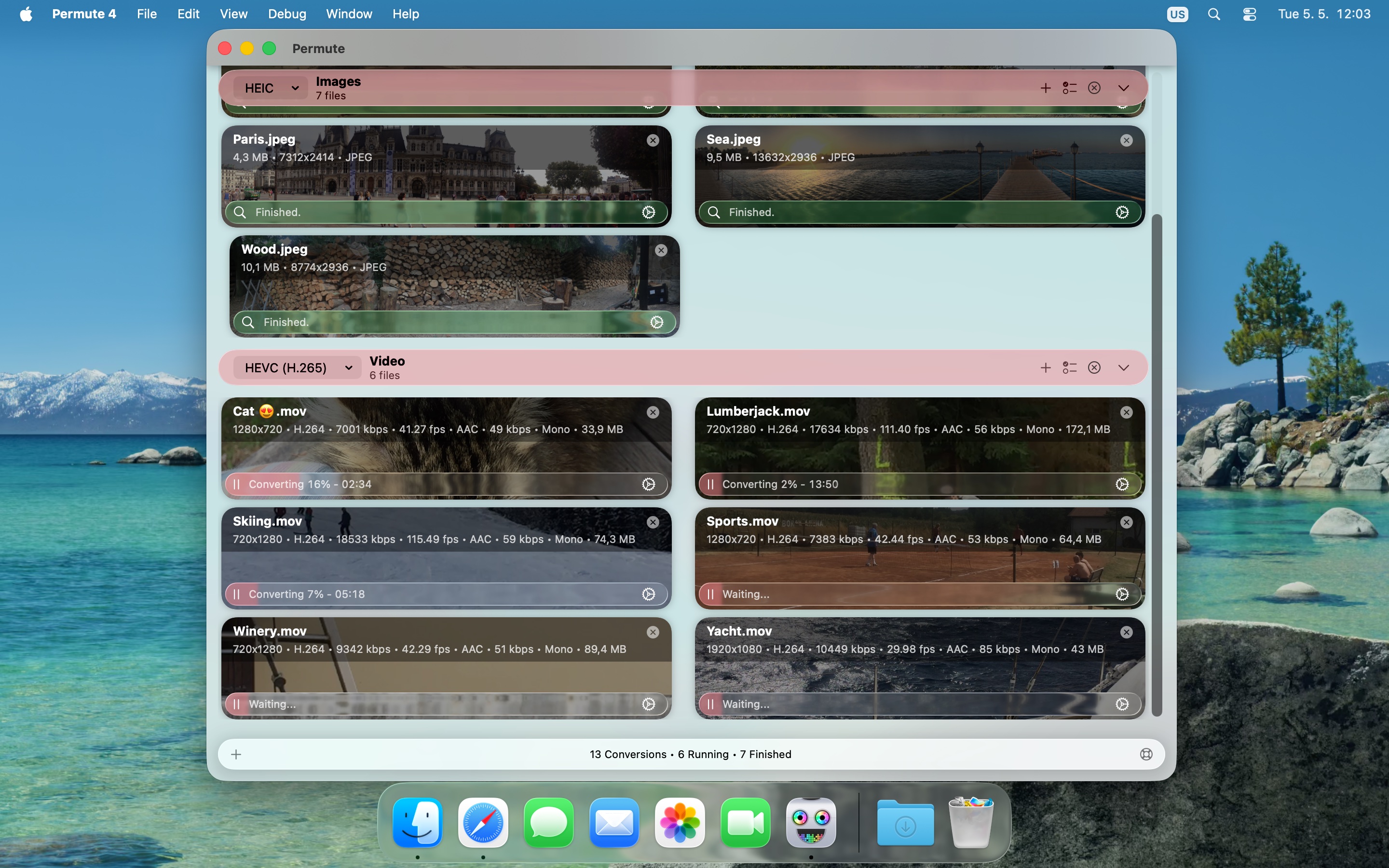
Main conversion queue
Precision crop editor
Visual trim editor
Visual trim editor
Per-file action menu
Built-in format presets

Get Permute 4

Simple, honest pricing

One permanent license, no subscription required — or pick the plan that fits your workflow.

Permute 4
$14.99*
Buy a permanent license directly from the developer. One purchase, yours forever.
Buy Now

Instant delivery · Pricing info

Setapp
$9.99/mo
Access Permute and 200+ other Mac apps via Setapp's subscription. Great value for multi-app users.
Try on Setapp

Subscription via Setapp

Downie + Permute Bundle
$35$26.99*
Get Downie (the best video downloader for Mac) and Permute together at a discounted price.
Buy Bundle
Student Discount
Contact us
Are you a student? We offer a discounted license — just get in touch and we'll sort you out.
Get in Touch
Permute 3 for macOS 11 – 15
$14.99*
Free upgrade to Permute 4 included when you move to macOS 26+
Running macOS 11–15 or Intel-based computer? Get Permute 3 — a permanent license that works on your current system, with a free upgrade to Permute 4 waiting for you when you upgrade to macOS 26 or later.
Buy Permute 3

Upgrade offer does not expire

* Price in USD, excludes VAT/sales tax added at checkout. Base price is EUR. Why might I see a different price?


Support

Frequently asked questions

I've lost my license. What should I do?
Select Permute → Forgot License Code… in the menu bar and follow the steps to have it resent.
Can I use Permute on multiple computers?
Yes — for personal use you can install Permute on all your own Macs. Licenses allow up to 3 activations. Before replacing a Mac, deactivate it via Permute's menu. Run into any trouble? Contact us and we'll fix it.
I'm upgrading from Permute 3. What do I need?
Permute 4 requires a new license. Existing Permute 3 customers receive a free or discounted upgrade price — see the upgrade page for full instructions.
What's the difference between buying directly and via the App Store?
The direct version includes all features. The App Store version omits some capabilities due to Apple's sandbox restrictions. See Help → Permute Help → App Store Limitations in the app's menu bar for the full list.
I need an older version of Permute — where can I find it?
Note: Newly issued license codes are not compatible with older releases. If you're on an unsupported macOS, please contact us before purchasing.
  • Last Permute 2.x (macOS 10.11): download
  • Last Permute 3.x for macOS 10.11: download
  • Last Permute 3.x for macOS 10.13: download
  • Last Permute 3.x for macOS 10.14.6–10.15: download
I'm seeing a different price at checkout.
The listed price excludes VAT/sales tax, added at checkout. The base currency is EUR (we're EU-based) — the displayed USD equivalent may fluctuate slightly with exchange rates.
I have more questions about upgrading from Permute 3.
For detailed information about the upgrade process, pricing, and what's new in Permute 4, visit the Charlie Monroe blog where upgrade-related announcements and guides are posted.