Downie

Downie

The best video downloader for Mac. Save videos from YouTube, Vimeo, and thousands of other sites — with a single click.

Version  macOS 11+ (13+ strongly recommended) Release notes

What makes Downie special?

Everything you need to save video

One of the most capable video downloaders for Mac — built for speed, simplicity, and breadth of site support.

🌐

1,000+ Sites Supported

Download from YouTube, Vimeo, Youku, Dailymotion, and over a thousand other sites. The list grows with nearly every update.

🎬

4K & HD Video

Download YouTube videos in full 4K resolution. Unlike many other tools, Downie fetches the highest quality available — not just 1080p.

⚙️

Postprocessing

Automatically convert downloads to MP4 for your iPhone or iPad, or extract just the audio track. Set it once, forget it.

☁️

iCloud History Sync

Download history syncs over iCloud across all your Macs automatically, preventing potential duplicate downloads.

🔄

Weekly Updates

Sites change, and so does Downie. Expect updates every week or two adding new sites, fixing broken ones, and shipping new features.

🌍

International

Supports country-specific video sites and is localized into multiple languages. Missing your language? Contact us — we offer free licenses for translations.

🧭

User-Guided Extraction

For sites not supported out of the box, use the built-in browser to navigate to the video — Downie will detect and grab it for you.

🧩

Browser Extension

Install the extension for Safari, Chrome, or Firefox to send links straight to Downie with one click — never leave your browser.

💬

Quick Support

Replies within 24 hours. Need a new site supported? Send the request — chances are it'll be in the next release.


See It in Action

Built for macOS

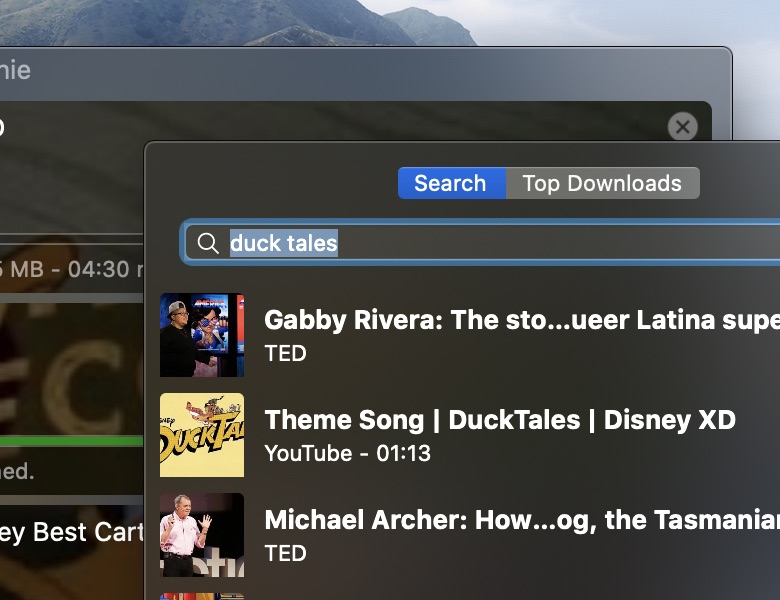
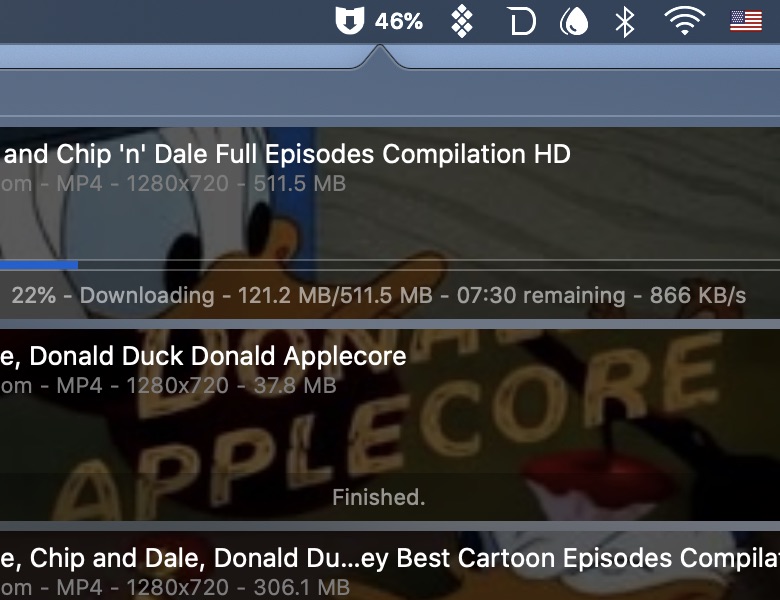
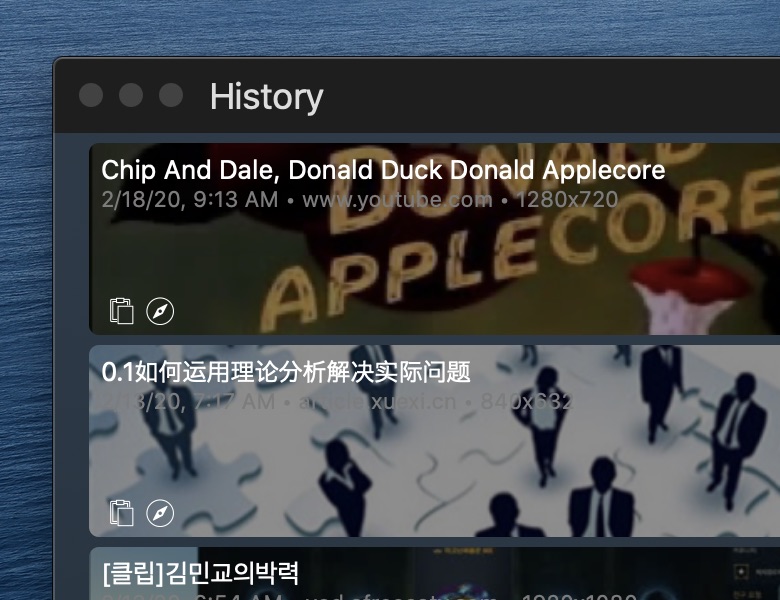
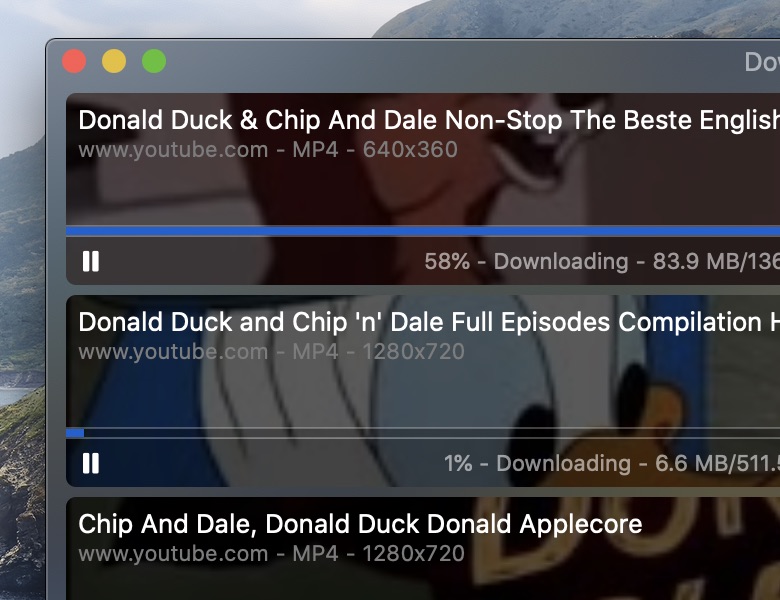
A clean, native Mac app that stays out of your way. Paste a link, pick your quality, done.
Downie screenshot 1
Downie screenshot 2
Downie screenshot 3
Downie screenshot 4

Get the most out of Downie

Tips & tricks

🧩

Install the browser extension to send links to Downie from Safari, Chrome, or Firefox with a single click — no copy-pasting needed.

🧭

Try User-Guided Extraction for sites not supported out of the box — browse to the video in Downie's built-in browser and it will detect it automatically.

🎵

Set postprocessing to Audio Only to download just the audio track from any video — perfect for podcasts or music.


Get Downie

Simple, honest pricing

One permanent license, no subscription required — or pick the plan that fits your workflow.

Downie
$19.99*
Buy a permanent license directly from the developer. One purchase, yours forever.
Buy Now

Instant delivery · Pricing info

Setapp
$9.99/mo
Access Downie and 200+ other Mac apps via Setapp's subscription.
Try on Setapp

Subscription via Setapp

Downie + Permute Bundle
$35$26.99*
Get Downie and Permute (a powerful media converter) together at a discounted price.
Buy Bundle
Student Discount
Contact us
Are you a student? We offer a discounted license — just get in touch.
Get in Touch

* Price in USD, excludes VAT/sales tax added at checkout. Base price is EUR. Why might I see a different price?


Support

Frequently asked questions

Can I purchase Downie on the App Store?
No — Apple doesn't allow apps that download videos from YouTube on the App Store. Please use the purchase button on this page or directly within the app.
Is there an iOS / iPadOS version?
Yes, if you are in the EU. As Downie is not compatible with Apple's review guidelines, distribution relies on a 3rd-party marketplace available within the EU (and likely more countries in 2026). Downie is currently distributed via Onside.
I've lost my license. What should I do?
Select Downie → Forgot License Code… in the menu bar, or use the "Lost License Code?" button in the license prompt.
I have questions about using Downie's features.
There's an extensive help book available via Help → Downie Help in the menu bar. If you still have questions, contact us using the Support button in the bottom-right corner of the main window.
Can I use Downie on multiple computers?
Yes — for personal use you can install Downie on all your own Macs. Licenses allow up to 3 activations. Before replacing a Mac, deactivate it via Downie's menu. If you run into any issues, just contact us.

Note: Devices must be used by you. Sharing the code with other users violates the EULA and may result in the license being suspended.
I have Downie 1, 2 or 3. Do I have to upgrade?
You can keep using the version you have — there just won't be any more updates. As Downie integrates with third-party services, older versions may start breaking over time. To upgrade, use our discount coupon generator. The upgrade offer does not expire.
A site I need isn't supported — what can I do?
Contact us using the Support button directly in Downie, or via the Support button at the top of this page. Chances are we'll add it in the next update.
The site is supported, but a specific video won't download.
Send us the link using the Support button directly in Downie — we'll look into it and fix it if we can.
I need an older version of Downie.
Warning: Newly issued license codes are not compatible with older releases. If you're on an unsupported macOS, check with us before purchasing.
  • Last Downie 1.x: download
  • Last Downie 2.x (macOS 10.10): download
  • Last Downie 3.x (macOS 10.11): download
  • Last Downie 1.x for macOS 10.7: download
  • Last Downie 2.x for macOS 10.9: download
  • Last Downie 4.x for macOS 10.12: download
  • Last Downie 4.x for macOS 10.13: download
  • Last Downie 4.x for macOS 10.14.6–10.15: download
I'm seeing a different price at checkout.
The listed price excludes VAT/sales tax, added at checkout. The base currency is EUR (we're EU-based) — the displayed USD equivalent may vary with exchange rates.