Permute Support

Support for Permute

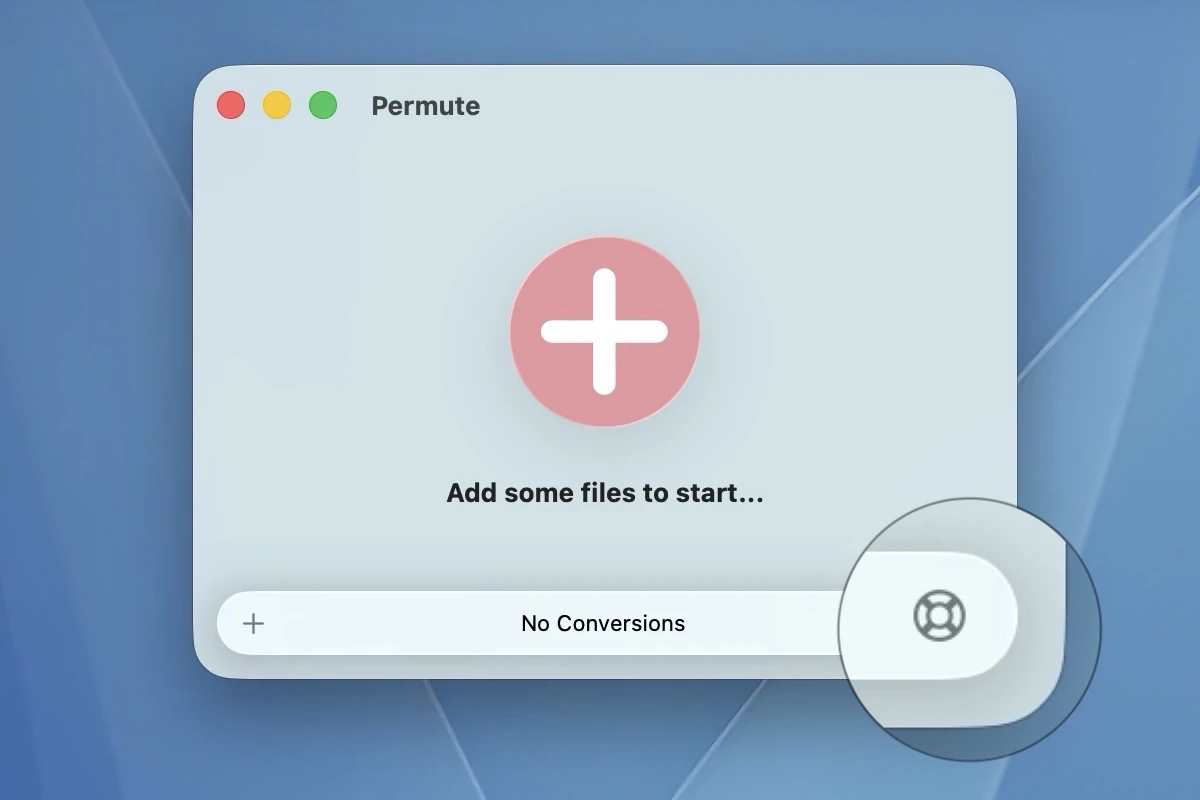
Please use the in-app support dialog to report issues with Permute. You can open it by clicking the Support button in the bottom-right corner of the main window.
Permute support dialog

Frequently asked questions

Can't use the in-app dialog? A few common situations covered below.

Can't access the support dialog?
If the application is crashing on launch, please re-download a fresh copy from its webpage. If the issue persists, or if you are using an older version of Permute that does not include the in-app support dialog, please continue to this form.
Need to download an earlier version of Permute?
Links to older builds are available under the FAQ section on the Permute webpage.
License code not working?
Make sure you are entering the correct license code into the correct application. Even if you are entitled to a free upgrade, you need to retrieve a new license code — use the upgrade link on the Permute webpage or from within the application itself.

If the issue persists, please use the license code support form.