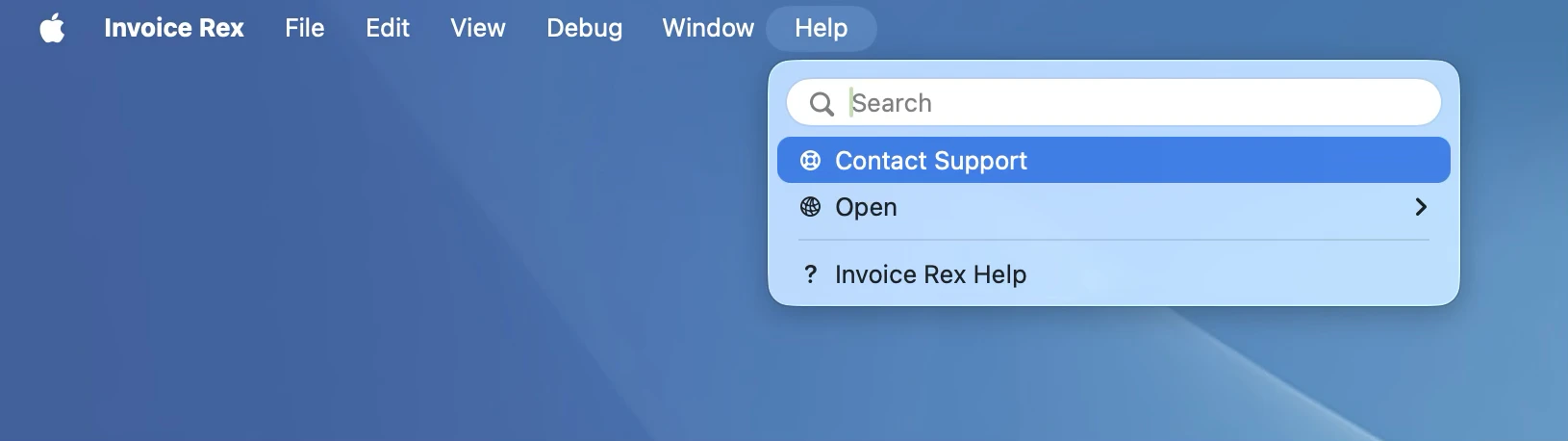
Please use the in-app support dialog to report issues with Invoice Rex. On macOS, open it via the Help menu. On iPhone and iPad, tap the action button on the account selection screen.
Frequently asked questions
Can't use the in-app dialog? A few common situations covered below.
Can't access the support dialog?
If Invoice Rex is not launching, please re-download a fresh copy from its webpage. If the issue persists, please continue to this form.
Questions about your subscription or billing?
Invoice Rex subscriptions are managed entirely by Apple. To manage, cancel, or get a refund for your subscription, go to App Store → your account → Subscriptions on your iPhone, iPad or Mac.
Migrating from UctoX 2?
You can import your UctoX 2 account by selecting File → Export for Invoice Rex in UctoX, then choosing the import option when adding an account in Invoice Rex. For full details, see the FAQ on the Invoice Rex webpage.
Your Privacy
We use cookies to improve your experience. By continuing, you agree to our use of cookies in accordance with our Privacy Policy.

 Support